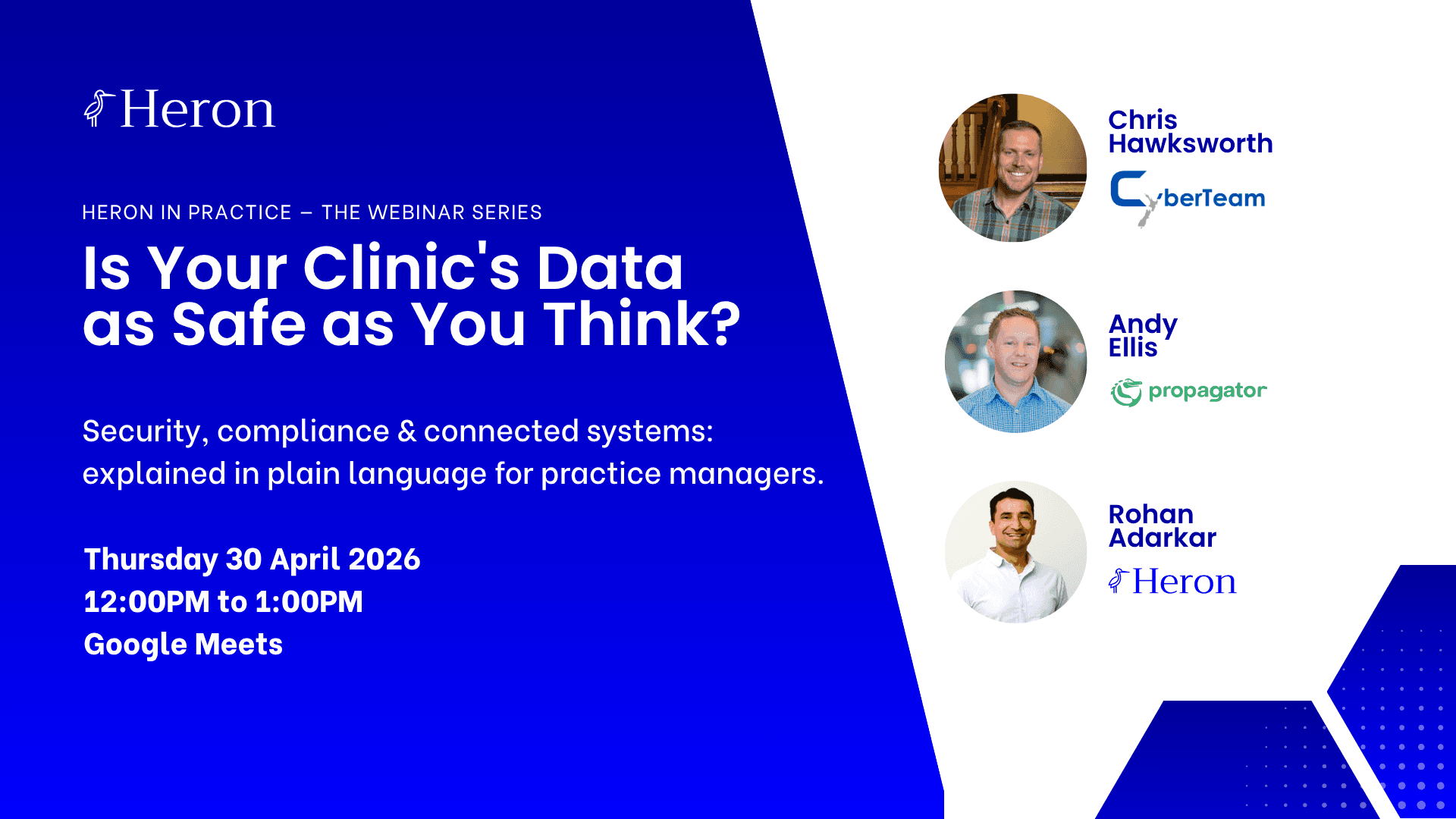
In April 2026, Heron hosted a free webinar, Is Your Clinic's Data as Safe as You Think?, with two specialists who work in healthcare security every day: Chris Hawksworth, Co-founder of CyberTeam NZ, and Andy Ellis, Co-founder and COO of Propagator. The session covered the real threat landscape facing NZ and Australian clinics, the hidden risks inside system integrations, and why patient communications are a bigger part of your security posture than most practice managers realise.
The recording is now available. Below are the key takeaways.
What You'll Learn
Why non-hospital clinics are targeted almost 10× more than hospitals
Why a patient record is more valuable to attackers than a stolen credit card
Where data becomes exposed between your systems — and why most clinics can't see it
What to actually do in the first 30 minutes of a breach
Why fragmented communication channels are a compliance risk, not just an efficiency problem
Watch the Recording
The full webinar is 60 minutes and requires no technical background. It was built specifically for practice managers and clinic owners, the people responsible for these decisions, not the people running the servers.
Watch the Webinar Recording →
You can also download the Clinic Breach Response Playbook, a plain-language resource covering what every clinic in NZ and APAC should have in place, from data handling basics to breach response.
Download the Security Playbook →
Healthcare Is the #1 Target, and Small Clinics Are Most at Risk
The assumption that cyber attacks happen to hospital networks, not small practices, is one of the most dangerous beliefs in clinic operations right now.
According to the Australian Signals Directorate's Annual Cyber Threat Report 2024–25, attackers succeed 95% of the time in healthcare, compared to 52% across all other sectors. Ransomware attacks on the healthcare sector doubled in FY2024–25 versus the prior year. And non-hospital clinical providers — GP clinics, allied health practices, specialist rooms — are the most-targeted sub-sector, with almost 10 times more publicly claimed attacks than hospitals.
The reason isn't complicated. As Chris explained in the webinar: smaller defences, richer data, longer dwell time. The math favours the attacker.
Why Patient Records Are So Valuable
A stolen credit card gets cancelled within hours. A patient record stays valuable for years.
A single patient file contains a near-complete identity: name, date of birth, NHI number, insurance details, prescriptions, and medical history, all in one row. Healthcare records sell for significantly more on the dark web than financial credentials. And small clinics are targeted precisely because their defences are lower, not because their data is worth less.
What's Happening in NZ and Australia Right Now
These aren't hypothetical scenarios. Chris outlined active attack patterns being seen across the region:
Ransomware attacks locking staff out of patient records at regional health providers
Phishing campaigns targeting practice staff using fake supplier invoices
Credential theft via compromised third-party software vendors
Data exposed through unsecured integrations between practice management and billing systems
The Hidden Risk in System Integrations
The second section of the webinar, led by Andy Ellis from Propagator, covered a risk that most clinic owners don't think about: what happens to patient data between your systems.
Most clinics run five to eight separate software tools: a PMS, a billing system, a communications platform, patient forms, an EHR, payment processing, and often a marketing tool. Each one was built by a different vendor, with a different security posture and a different way of handling data.
Every tool you add is a new door.
When Systems Don't Talk Securely
When those tools connect directly to each other without a unified layer in between, there's no single place to monitor what's moving, or audit what happened when something goes wrong.
Follow a single patient interaction: a patient calls to book, data is captured in the communications tool. The appointment is confirmed, data moves to the PMS. An invoice is generated, data moves to billing. A follow-up is sent, data moves back out again.
Who is logging those handoffs? Who can reconstruct that journey after an incident?
The more fragmented the stack, the harder it is to defend, and to investigate. When systems don't talk to each other securely, there's no single audit trail. Unusual activity in one system doesn't trigger alerts in another. A breach in a peripheral tool can go undetected for weeks.
The Three Questions Every Practice Manager Should Be Able to Answer
Andy identified three questions that every clinic should be able to answer immediately in a breach scenario:
What patient data did this system hold?
What other systems was it connected to?
What data moved between them, and when?
If your integrations are undocumented and unmonitored, you cannot answer these questions accurately. You cannot notify patients with precision. You cannot satisfy a Privacy Commissioner inquiry. As Andy put it: "A governed integration layer turns 'we think' into 'we can prove.'"
Five Questions to Ask Every Vendor
Before adding any new tool to your clinic's stack, Andy recommended asking these five questions:
Do you hold patient data, or just pass it through?
Where is our data stored, and who has access to it?
What does your audit log look like, and can I access it?
What is your breach notification policy and response time?
What other systems will this tool connect to, and are those connections documented?
Communications Are Part of Your Security Posture
The third section of the webinar, led by Rohan Adarkar, covered something that sits in plain sight in every clinic: patient communications.
One of the most common phrases we hear from practice managers is that it creates four times the work when a patient calls, emails, and leaves a voicemail. What's less visible is that each of those duplicated channels is also a duplicated compliance risk.
Call notes end up in one tool, or on a sticky note. Emails land in an inbox no one else can see. Voicemails may never be transcribed. Forms come through a different system with a different login.
Each duplication isn't just an efficiency problem. In a breach scenario, it becomes an investigation nightmare.
The Questions Clinics Can't Answer
When a clinic with fragmented communications tools faces an incident investigation, the honest answer to most of these questions is: we're not sure.
Was patient information discussed in this interaction?
Was it captured in a controlled system, or in a personal email inbox?
Who had access to that information?
Can you prove it?
That uncertainty has real consequences under the Privacy Act.
What a Secure Communications Workflow Looks Like
The contrast is significant. A fragmented communications setup (calls logged in staff notes, emails in a separate inbox with no link to call history, voicemails often missed entirely) leaves no unified view and no audit trail.
A unified communications platform changes the picture: every channel lands in one inbox, each inquiry is auto-logged with a timestamp, patient context is captured on every call, and data syncs to the PMS rather than floating across disconnected tools. A full audit trail, accessible in one place.
When something goes wrong, the assess step takes hours, not days.
Your Breach Response Playbook: The Four-Step Framework
One of the most practical sections of the webinar was a clear, four-step breach response framework, because when a breach happens, the first 30 minutes shape the next 30 days.
Step 1 — Contain (First 30 minutes)
Isolate, don't switch off. Disconnect the affected system from the network and stop the spread before calling anyone. Document the exact time you first noticed — your incident timeline starts there.
The most common mistake clinics make: staff keep logging in to check if the system still works, overwriting logs and potentially spreading the breach further. In some cases the attacker is still active. Isolate first. Ask questions second.
Step 2 — Assess (First 24 hours)
Know what you have before you tell anyone. You need answers to four questions before you can notify accurately:
Which system was affected?
What data does that system hold or process?
What other systems is it connected to?
What was accessed, and over what time period?
Step 3 — Notify (Promptly)
Be specific about what was accessed, not what might have been.
Both NZ and Australian privacy law require notification when a breach is likely to cause serious harm. Under NZ's Privacy Act 2020, the Office of the Privacy Commissioner should be notified as soon as practicable, OPC guidance from May 2024 expects notification within 72 hours. Under Australia's NDB scheme, there is a 30-day assessment window, after which the OAIC must be notified promptly.
Have a prepared statement ready. Do not improvise. Notify the regulator before, or alongside, patients.
Step 4 — Recover (Ongoing)
The post-incident review is where the learning happens. A good review in a small clinic covers: timeline reconstruction, root cause identification, what changes before affected systems are re-enabled, and a staff debrief. Restore from clean backups only, and close the gap that allowed the breach in the first place.